
I am an open source nerd, and the best free Microsoft Office alternatives on Linux are LibreOffice and FreeOffice. So I decided to test them both, side by side on their current 2026 releases, to see where each one excels and where it falls short. In this piece you will find everything you need to decide which of the two belongs on your machine.
Our verdict
My pick is LibreOffice if you want the complete free toolkit on Linux with no accounts and no upsell. Its Writer, Calc, and Impress handled my daily work, while Draw and Base covered diagrams and small databases that FreeOffice simply does not ship.
I would pick FreeOffice if your day revolves around Microsoft Office files. In my testing TextMaker opened DOCX with formatting intact more often than any free rival, and the whole suite started faster on modest hardware.
If neither drawback sounds acceptable, our guides to installing ONLYOFFICE on Linux and setting up WPS Office on Ubuntu cover two more contenders worth a look.
FreeOffice vs LibreOffice at a glance
One table carries the whole decision, so find the row matching your situation and let that row pick your suite.
| What matters | FreeOffice | LibreOffice |
|---|---|---|
| Price | Free edition of a paid product | Free forever, no paid tier |
| License | Proprietary, free product key required | Open source under the Mozilla Public License (MPL) |
| Applications | 3: word processor, spreadsheet, presentations | 6: Writer, Calc, Impress, Draw, Base, Math |
| Microsoft format fidelity | Excellent, closest free match | Good and improving, occasional layout shifts |
| Current release (checked September 2026) | Revision 1234, April 2026 | 26.8 line (current stable) |
| Linux install | DEB, RPM, and TGZ from the vendor | Distro repository, Flatpak, DEB, RPM, Snap, and AppImage |
| Interface choice | Classic menus or ribbon tabs | Classic toolbars or tabbed ribbon |
| Best for | Exchanging DOCX and XLSX daily | Complete free office with no strings |
Meet the two suites
Each suite comes from a different world. Knowing the maker explains half the differences you will meet below.
FreeOffice
FreeOffice is the free edition of SoftMaker Office, built by the German company SoftMaker. It bundles TextMaker for documents, PlanMaker for spreadsheets, and Presentations for slides, and it runs on Windows, Mac, and Linux from one consistent codebase.
The free edition trims a few professional extras found in the paid SoftMaker Office editions, such as the Duden spelling corrector. For everyday writing and spreadsheets the free set is complete. You register a free product key by email when you install it, which is the one account-flavored step in the whole setup.
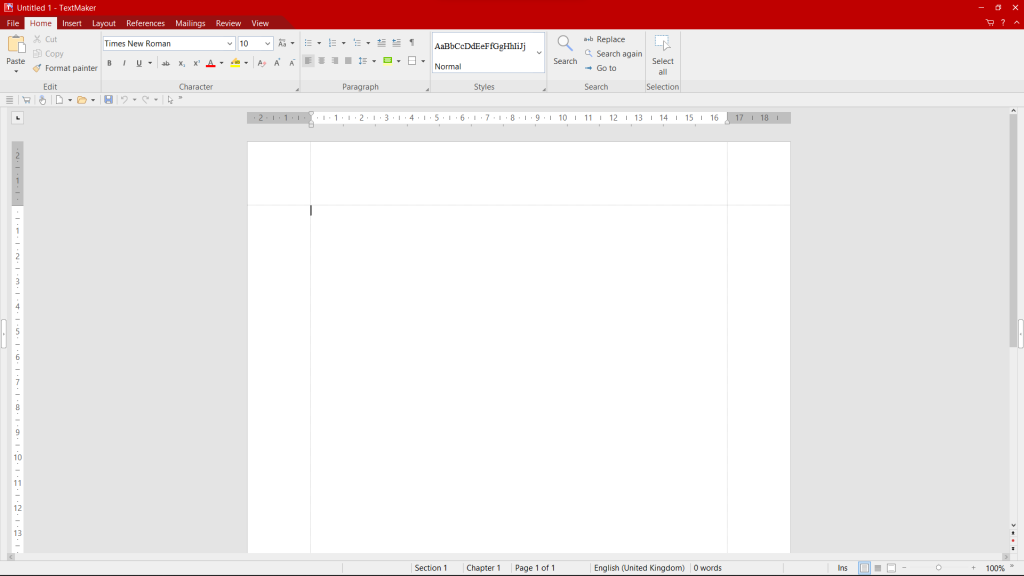
That screenshot shows the ribbon view in action, with tabbed commands putting formatting one click away. Anyone missing the older arrangement finds a classic menu mode under the settings.

If your work never leaves documents, spreadsheets, and slides, those three icons are the whole suite. That focus keeps it light and quick to learn.
LibreOffice
LibreOffice is the community-developed successor to OpenOffice, maintained by The Document Foundation. It ships six applications: Writer, Calc, and Impress for the daily trio, plus Draw for diagrams, Base for databases, and Math for formulas.
Fresh releases land about twice a year and follow a year-month scheme, so version 26.8 belongs to the 2026 line.
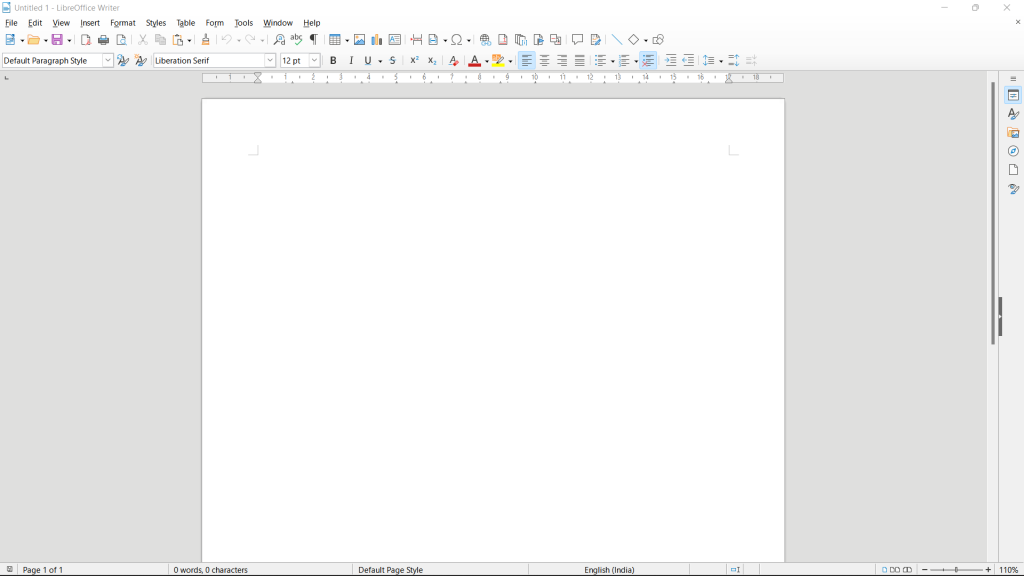
One toggle switches between this ribbon style and the traditional toolbars, which answers the common complaint that LibreOffice looks dated.
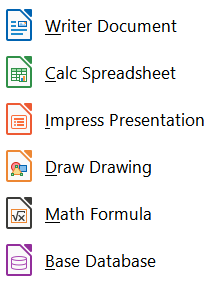
Draw and Base alone settle the choice when you diagram networks or track small collections. The icon count makes the difference visible at once.
Which applications you get
Both suites cover the big three. Only one of them goes further.
| Job | FreeOffice | LibreOffice |
|---|---|---|
| Word processing | TextMaker | Writer |
| Spreadsheets | PlanMaker | Calc |
| Presentations | Presentations | Impress |
| Diagrams and vector drawing | Not included | Draw |
| Desktop database | Not included | Base |
| Formula editing | Built into TextMaker | Math |
Writer repays a little setup time. Extensions add reference managers, templates, and extra file filters, and our guide to adding extensions to LibreOffice walks through the process. If you write in a second language, pairing Writer with a checker helps, and our LanguageTool integration guide shows the steps.
Microsoft Office compatibility
This section decides the contest for most readers. A free suite earns its place by opening the DOCX, XLSX, and PPTX files the world keeps sending.
FreeOffice leads here. TextMaker and PlanMaker read and write the current Microsoft formats with formatting intact in the great majority of files, including tracked changes and complex tables. SoftMaker treats this fidelity as the product’s headline feature, and independent comparisons keep confirming it.
LibreOffice handles the same formats well for everyday files. Long documents with heavy styling, embedded objects, or intricate spreadsheet formulas can shift layout on import, so always proofread a file you plan to send back. Our compatibility walkthrough for LibreOffice and MS Office formats shows which settings preserve the most fidelity.
One habit removes most surprises in either suite. Exchange finished files as Portable Document Format (PDF) whenever the other side only needs to read them, and keep the editable original for yourself.
Installing them on Linux
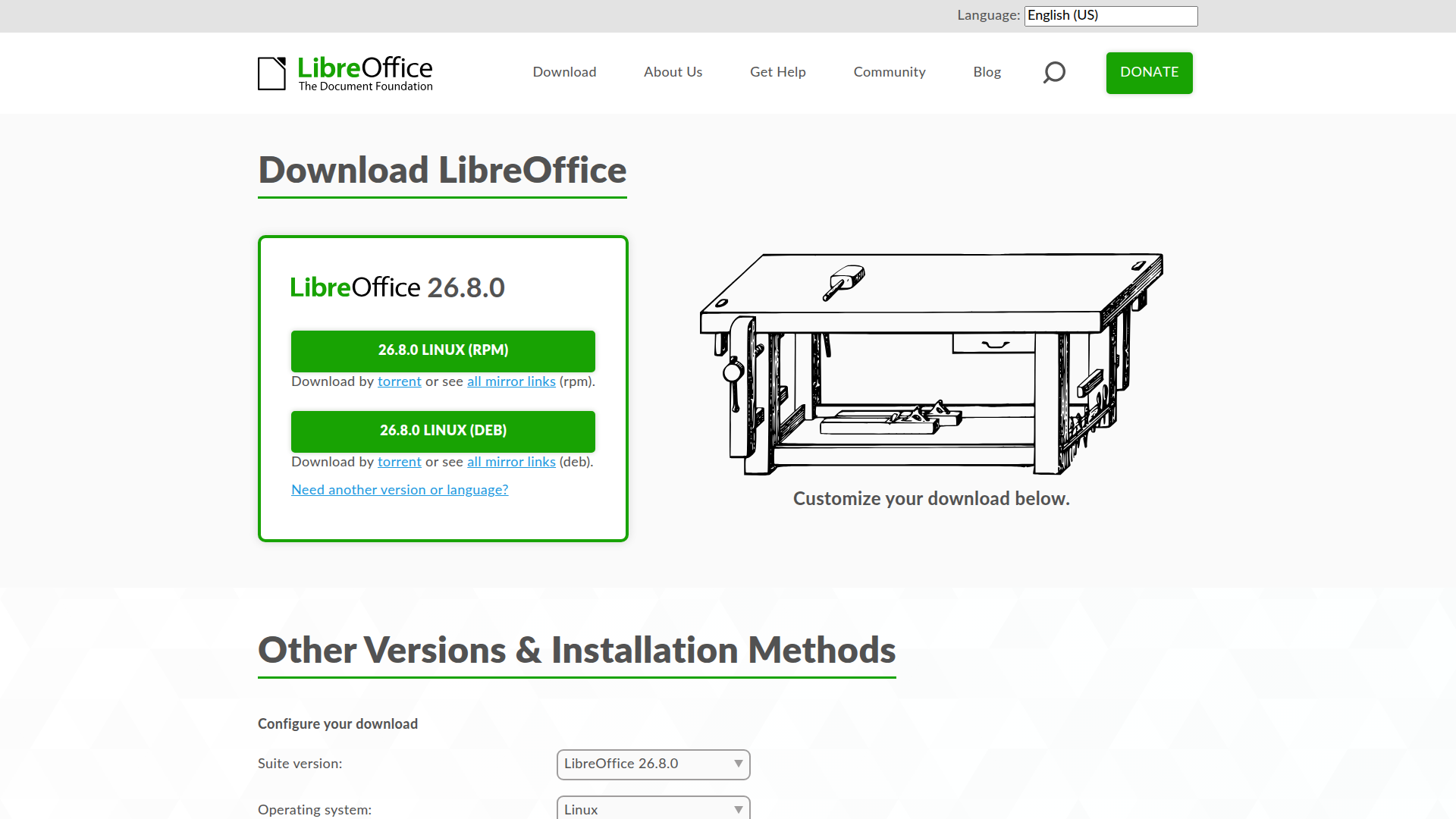
LibreOffice is the easier install on practically every distribution. It sits in the default repositories, so one command fetches it.
sudo apt install libreoffice
I checked the Ubuntu 24.04 package archive while refreshing this page and it lists LibreOffice 24.2.7, while the upstream project has moved on to 26.8. Repository copies trail upstream by design.
When you want the newest release, add the LibreOffice Fresh Personal Package Archive (PPA) or grab the Flatpak. Our step-by-step guide to installing LibreOffice on Linux covers every method, including the Arch Linux install. If repository versions and PPAs still confuse you, our package management primer explains the moving parts.
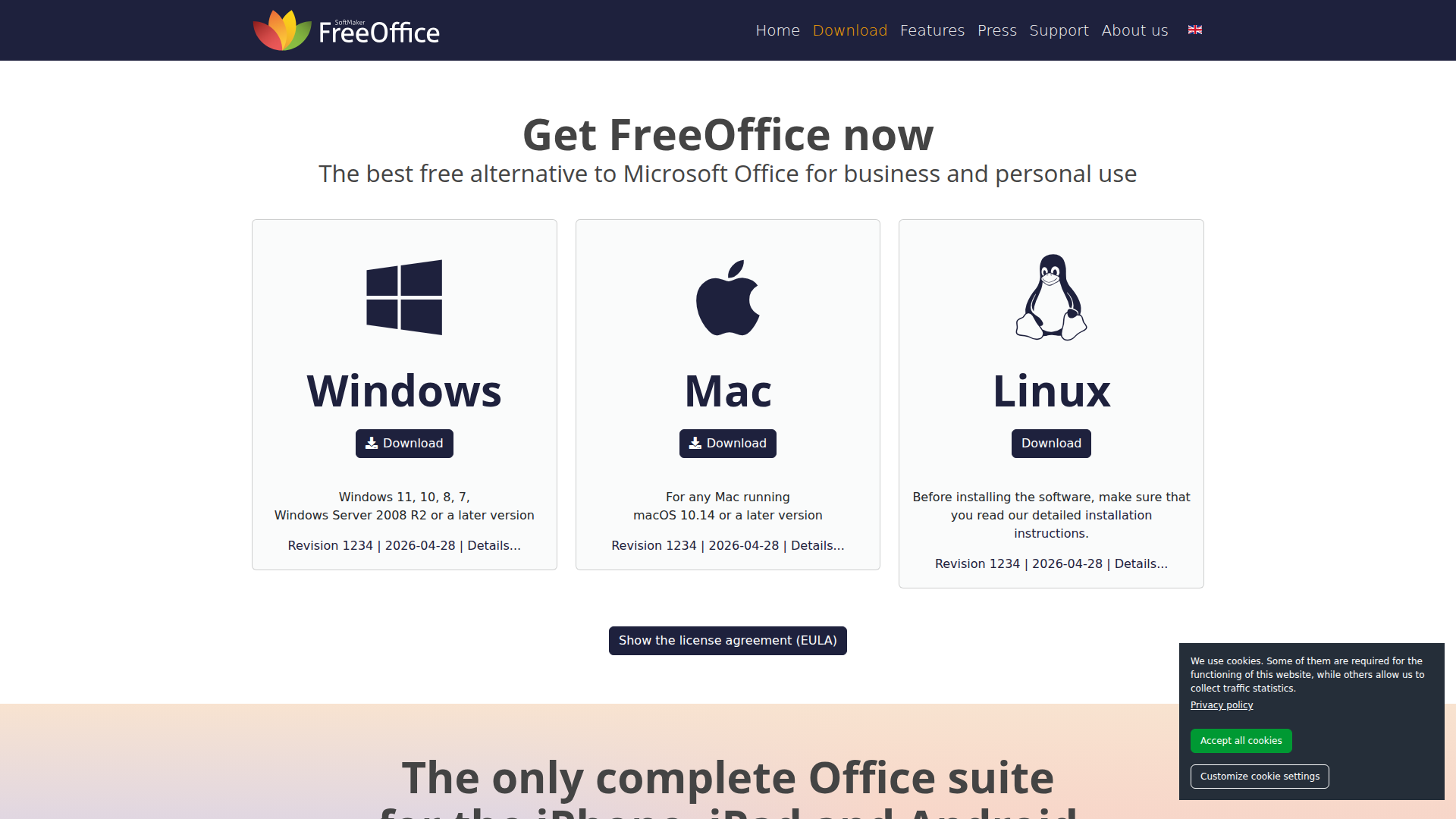
FreeOffice takes the vendor-download route. SoftMaker publishes DEB and RPM packages plus a TGZ archive on the FreeOffice download page, with the current Linux build at revision 1234 from April 2026. Download the package for your distribution, install it with your package manager, then enter the free product key that arrives by email.
Templates and looks
First impressions matter in software you open daily. Both suites let you dodge the default blank page.
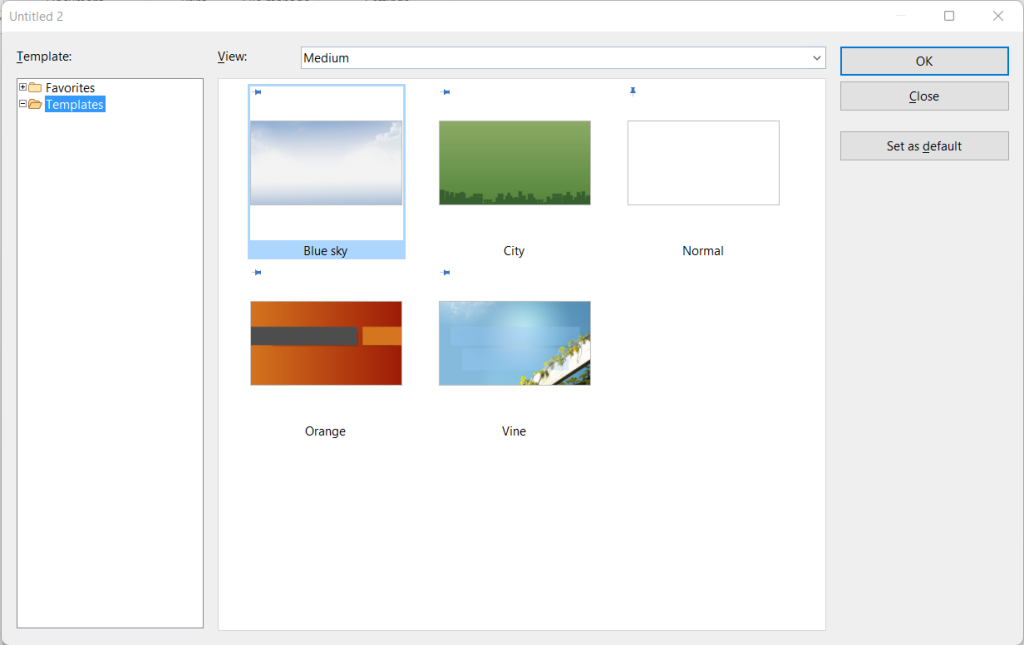
FreeOffice bundles a compact set of polished templates for letters, invoices, and schedules. The gallery is small but every entry looks ready to send.
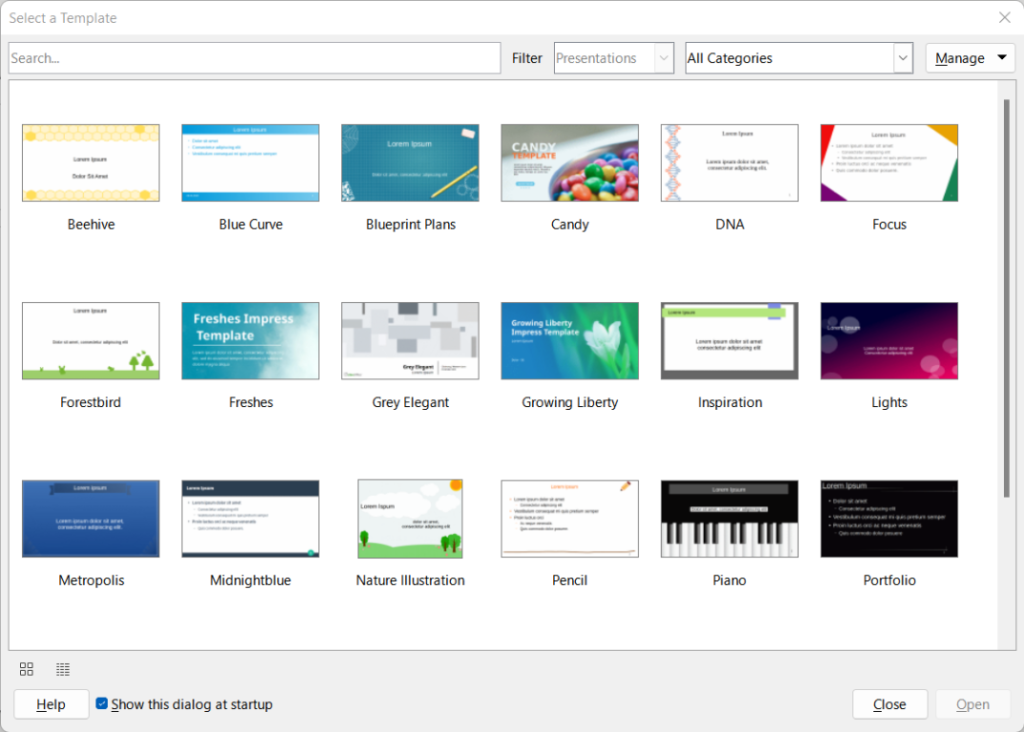
LibreOffice counters with a larger community template collection plus a dark mode for late sessions. Our dark theme guide shows the exact toggle when the default theme strains your eyes.
License and price
Both suites cost zero, but the meaning of free differs. FreeOffice is proprietary software given away to draw you toward SoftMaker Office NX and Professional 2026, and its license limits you to the free feature set. LibreOffice is community-owned code under the Mozilla Public License, so nobody can take it back or charge for it later.
Weigh that difference against your horizon. A student finishing one semester loses nothing to FreeOffice. Anyone building years of documents on Linux sleeps better on an open format and an open license.
Help and community
LibreOffice answers questions through sheer numbers. Its Ask site, documentation wiki, and distribution forums hold a decade of solved threads, so a search usually ends the hunt. FreeOffice offers official manuals and a support forum run by SoftMaker staff, which means fewer answers but authoritative ones.
On Linux specifically, LibreOffice wins by default. Every major distribution packages it, so distribution wikis and forums cover its quirks on your exact release.
Which one should you pick
Match the suite to your week, not to a feature list. Four common readers land in four places.
You trade Microsoft files daily
Choose FreeOffice. Your colleagues will stop noticing which program you use, and that silence is the highest praise a compatibility layer can earn.
You want everything free with no accounts
Choose LibreOffice. No product key, no trial clock, and six applications that cover diagrams and databases too.
You run older hardware
Choose FreeOffice for the lighter footprint. TextMaker opens noticeably faster than Writer on machines with spinning disks or two gigabytes of memory.
You edit PDFs or need cloud collaboration
Look beyond both. Draw gives LibreOffice a basic PDF editing story, and our roundup of PDF editors for Linux covers stronger options. For browser-based co-editing, ONLYOFFICE or a hosted suite fits better than either desktop pick.
Either way, install one of them today and write something. The best free office suite is the one holding your finished document.
Is FreeOffice really free?
Yes. FreeOffice is a free-for-personal-and-business-use edition of SoftMaker Office. You register a free product key by email, and the suite stays free, while professional extras remain exclusive to the paid SoftMaker Office editions.
Which is better for Microsoft Office compatibility, FreeOffice or LibreOffice?
FreeOffice preserves DOCX, XLSX, and PPTX formatting more faithfully and is the safer pick when you exchange files with Microsoft Office users daily. LibreOffice handles everyday files well but complex layouts can shift on import, so proofread before sending files back.
Does LibreOffice run on all Linux distributions?
Yes. LibreOffice ships in the default repositories of Ubuntu, Fedora, Arch, and other major distributions, and upstream also publishes DEB, RPM, Flatpak, Snap, and AppImage builds. FreeOffice supports Linux too, through vendor DEB, RPM, and TGZ downloads.
Can LibreOffice open the same files as FreeOffice?
Both suites read and write DOCX, XLSX, PPTX, and PDF, plus the open ODF formats. Files move between the two suites without conversion tools, though complex formatting deserves a visual check after each handoff.