

That cascade of green characters falling down a terminal screen is one of the most recognizable effects in Linux culture. A small program called cmatrix reproduces it in any terminal emulator, and it takes one package-manager command to install.
The same commands work across Debian, Fedora, and Arch derivatives. Everything below was re-run on an Ubuntu 24.04 machine while updating this guide: the package install, a source build of release v2.0, every customization flag, and the ASCII-art setup.
Install Cmatrix on Linux
Cmatrix is packaged in the official repositories of every major distribution, so no third-party PPA is needed. On Ubuntu, Debian, Linux Mint, or Pop!_OS, refresh the package index and install it:
sudo apt update && sudo apt install cmatrix
On Fedora, use dnf instead:
sudo dnf install cmatrix
On Arch Linux, Manjaro, or EndeavourOS, pacman pulls it from the extra repository:
sudo pacman -S cmatrix
To confirm the binary landed on your PATH, run:
command -v cmatrix
You should get back a path such as /usr/bin/cmatrix. On Ubuntu 24.04 the package version is currently 2.0-6, which matches the latest release published on the project’s GitHub repository.
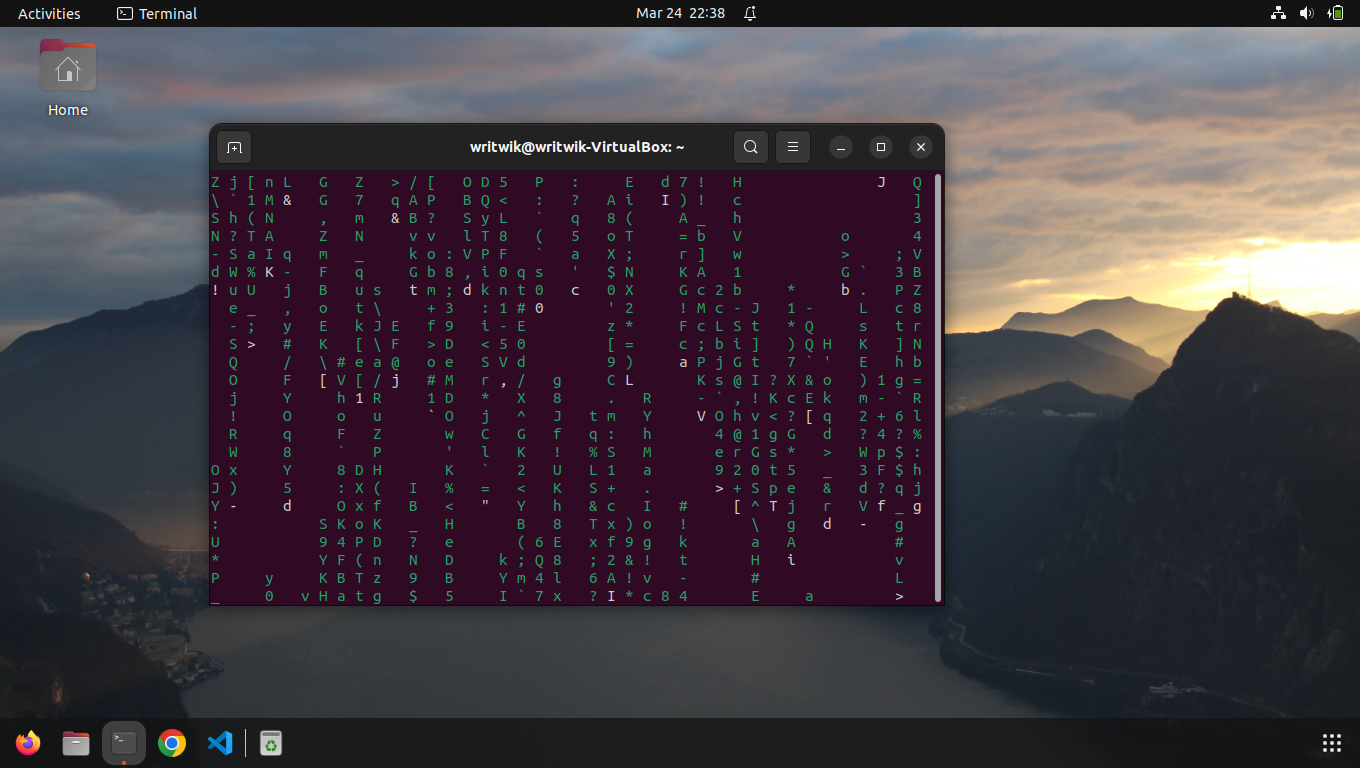
Run cmatrix and exit cleanly
Type the command with no arguments to see the classic green rain:
cmatrix
The characters fall in synchronized columns at the default speed. Press q or Ctrl+C to leave, and your prompt returns untouched.
A fair warning before you get attached, though.
Cmatrix redraws the whole screen many times per second, which makes this cosmetic program surprisingly CPU-hungry on a laptop battery. Treat it as entertainment rather than a monitor, because the characters are random and carry no data.
Customize the effect with flags
Every visual property of the rain is controlled from the command line. The most useful flag is asynchronous scrolling, which staggers the columns so they fall at different speeds:
cmatrix -a
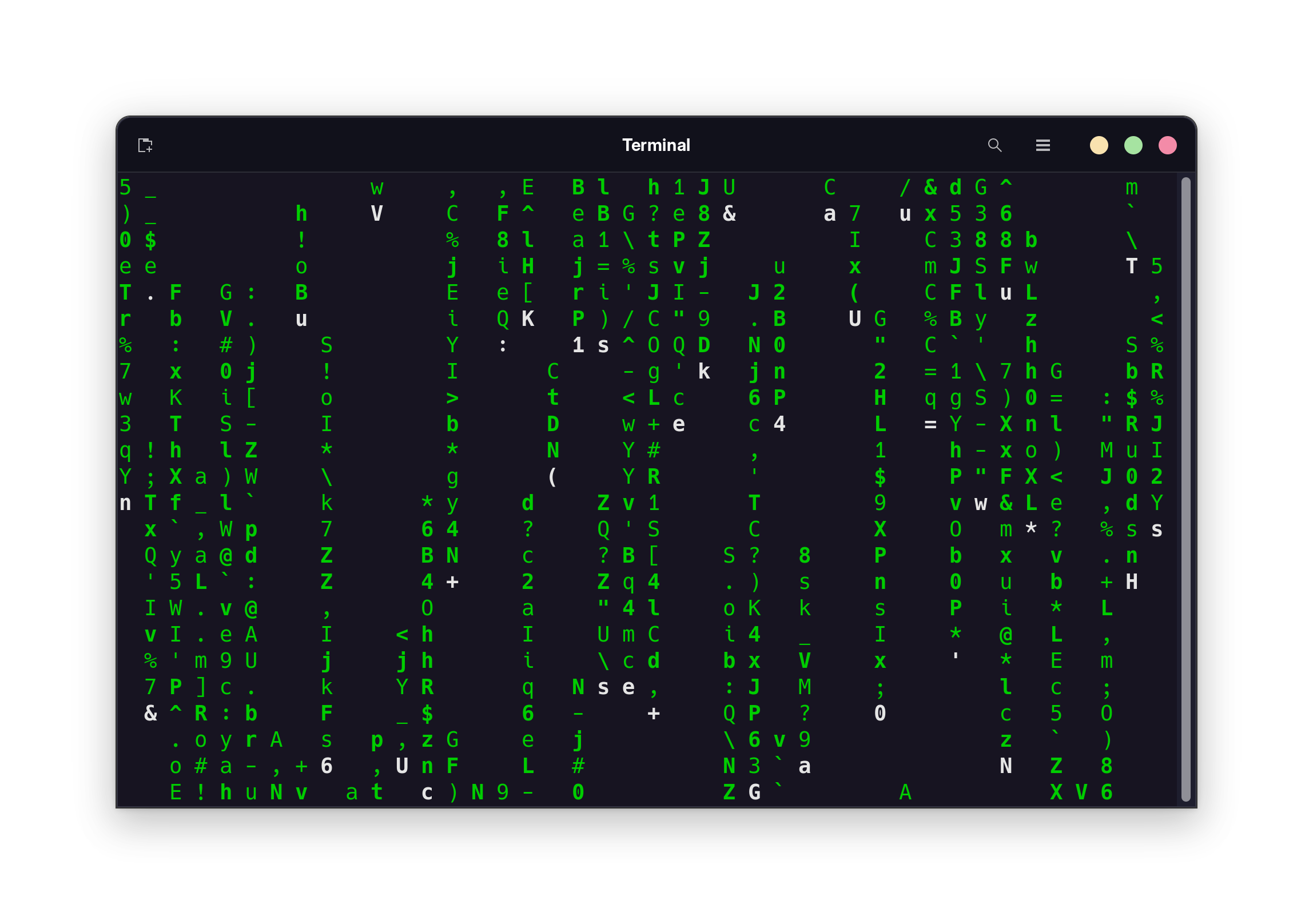
Boldness comes in two strengths. The -b flag renders occasional characters in bold for texture, while -B sets every character bold and overrides -b if both are given.
Speed uses the -u flag followed by an update delay from 0 to 10, where the default is 4. Lower numbers redraw faster, so cmatrix -u 2 produces frantic rain and cmatrix -u 9 produces a slow drift.
Color changes with -C followed by a color name. Green is the default, and red, blue, white, yellow, cyan, magenta, and black are all supported, so cmatrix -C magenta gives you the purple variant many screenshots show. For a multicolor display, the -r flag cycles through a rainbow palette instead of locking to one hue.
| Flag | What it does |
|---|---|
| -a | Asynchronous scroll, columns move at different speeds |
| -b | Bold some characters |
| -B | All characters bold, overrides -b |
| -u N | Update delay 0 to 10, default 4, lower means faster |
| -C color | One fixed color, default green |
| -r | Rainbow mode |
| -s | Screensaver mode, exits on the first keypress |
| -m | Lambda mode, every character becomes λ |
| -o | Old-style scrolling |
Flags combine freely, so a good-looking default for many people is cmatrix -a -b -u 3. If you want more options than cmatrix offers, we also cover Unimatrix, a Python rewrite of the same idea with Unicode character sets and finer control.
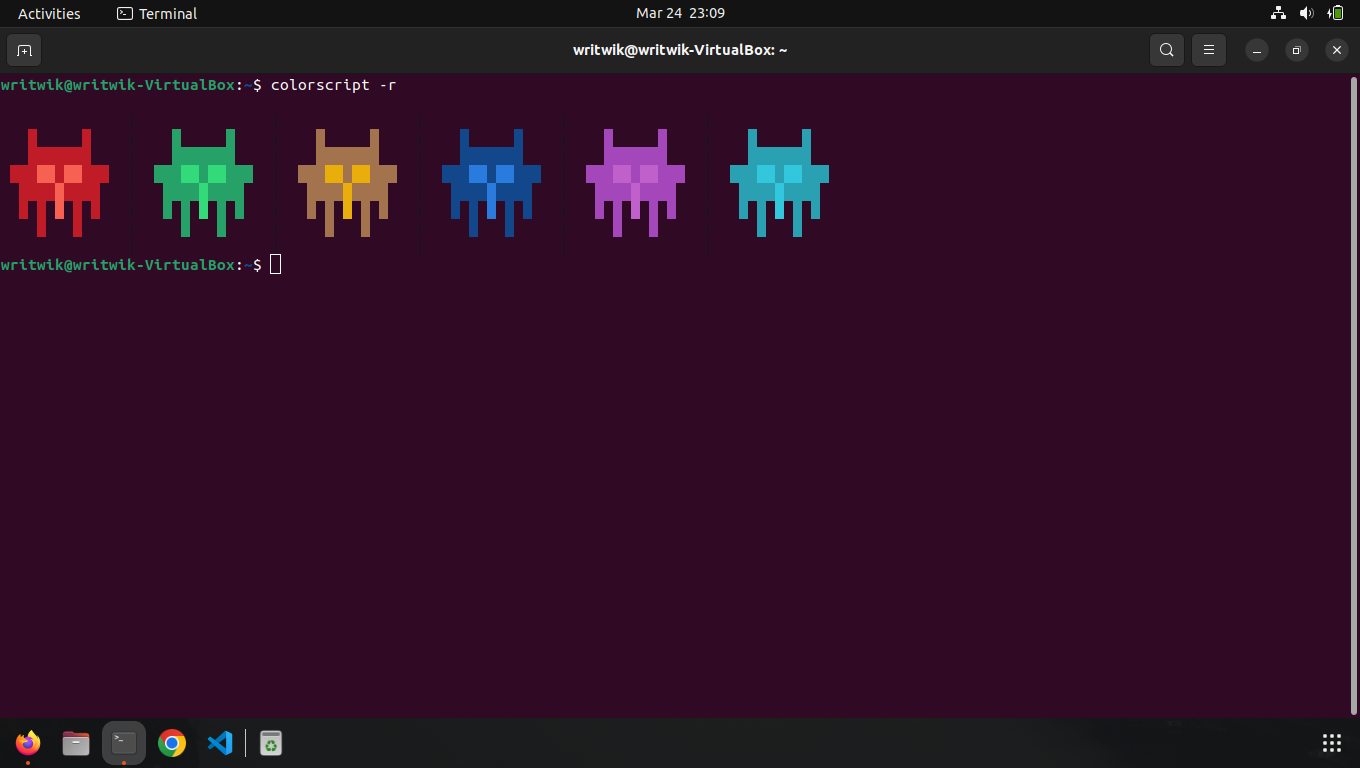
Build cmatrix from source
Distribution packages occasionally lag the upstream repository, which is active and publishes releases under the GPL. Building from source takes four commands once you have the build dependencies installed.
Cmatrix needs ncurses development headers plus the standard autotools chain. On Debian-based systems, install them first:
sudo apt install libncurses-dev autoconf automake build-essential
Then download the latest release tarball, extract it, and build:
curl -LO https://github.com/abishekvashok/cmatrix/releases/download/v2.0/cmatrix-v2.0-Butterscotch.tar
tar xf cmatrix-v2.0-Butterscotch.tar
cd cmatrix
./configure && make && sudo make install
We rebuilt version 2.0 this way during the update of this guide and hit one ordering trap worth knowing. If configure runs before the ncurses headers exist, the later make step fails with undefined references to waddnstr and waddch even after you install libncurses-dev, because configure cached the wrong result. Rerun ./configure after installing the headers and the build completes cleanly.
Rice your terminal with random color scripts
If you want more than the Matrix, Derek Taylor’s shell-color-scripts collection ships dozens of small ANSI art programs, from blocky gradients to logos. Clone the repository and install it with make:
git clone https://gitlab.com/dwt1/shell-color-scripts.git
cd shell-color-scripts
sudo make install
This drops a colorscript launcher into /usr/local/bin along with the scripts under /opt/shell-color-scripts. Running colorscript -r picks one piece of art at random and prints it in color.
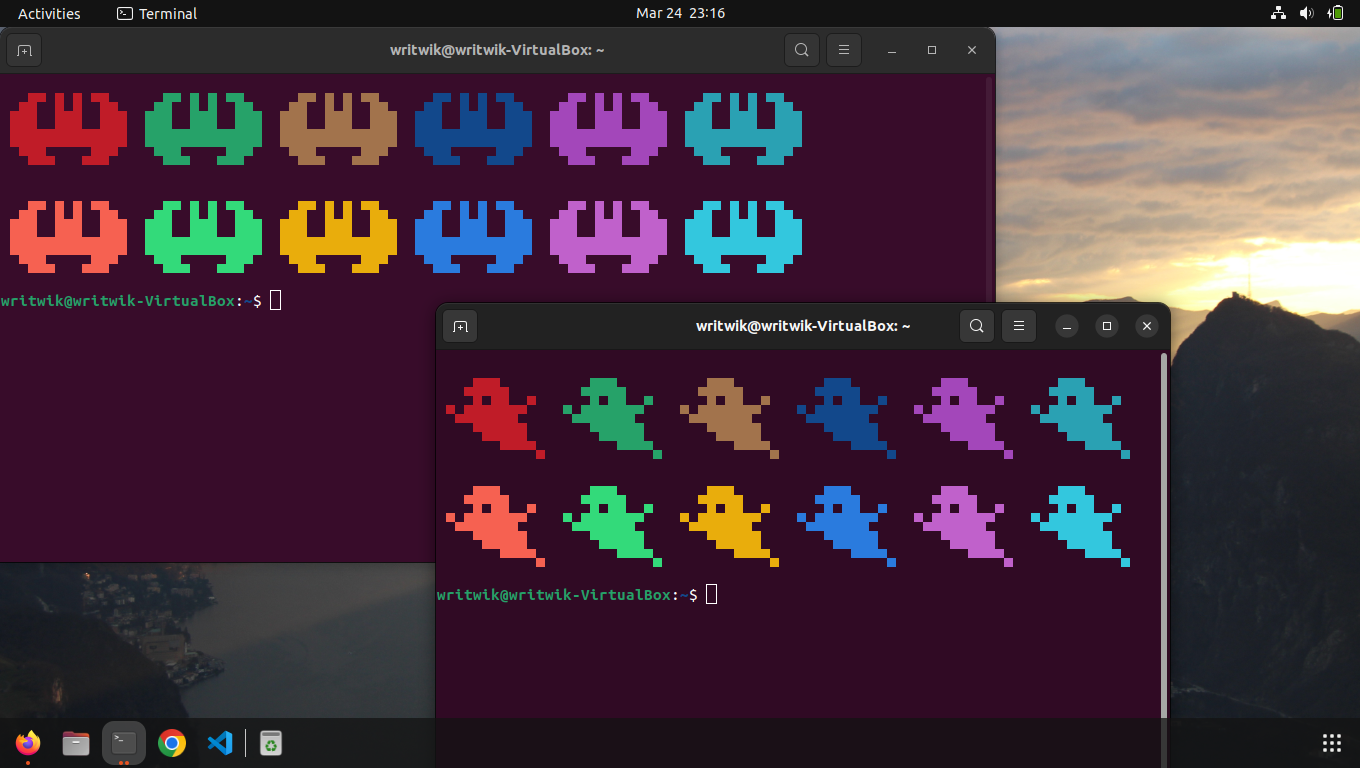
To automate this, append one line to your .bashrc file so every interactive shell runs it on startup:
echo 'colorscript -r' >> ~/.bashrc
source ~/.bashrc
Pickier setups can call a specific script instead, for example colorscript -e black-hole, so the greeting stays consistent. If you prefer system information over art, our guides to neofetch and Fastfetch cover the fetch-tool route, and the Arch terminal customization walkthrough pairs well with either choice.
Conclusion
Cmatrix installs in seconds from any major distribution’s repositories and turns your terminal into a small piece of movie history. Between the async, bold, speed, and color flags, the source build path, and color scripts for extra variety, there is enough here to waste an enjoyable afternoon on terminal cosmetics. The r/unixporn community remains the best place to steal further ideas.
What is cmatrix, and how can I use it?
cmatrix is a terminal program that simulates the digital rain effect from The Matrix. Install it from your distribution’s repositories and run it for fun or as a screensaver with cmatrix -s.
How do I run cmatrix after installation?
Open a terminal and type cmatrix, then press Enter. Press q or Ctrl+C to stop it.
Can I change the color of the cmatrix display?
Yes. Use the -C flag with a color name, for example cmatrix -C magenta. Supported colors are green, red, blue, white, yellow, cyan, magenta, and black, and the -r flag enables a rainbow palette.
Where can I find the latest cmatrix version?
The current source lives on GitHub at abishekvashok/cmatrix, which publishes release tarballs you can build yourself. Distribution repositories such as Ubuntu ship version 2.0.