
GeForce NOW Electron is a community-maintained Linux desktop client for NVIDIA GeForce NOW. Install it from Flathub when you want a dedicated window, Wayland support, Steam Deck integration, and optional Discord rich presence instead of opening the service in a browser.
How to install GeForce NOW Electron on Linux
The Flathub package carries the client across distributions that support Flatpak, while NVIDIA’s Linux download is the vendor-supported route for its supported distributions.
Check the two requirements first
You need a GeForce NOW account and a Linux installation with Flatpak plus the Flathub remote available. The client gives you access to NVIDIA’s streaming service, but your membership, region availability, network connection, and the games supported by GeForce NOW still determine what you can play.
If Flatpak is new to your system, start with the Linux package-management overview. It helps you distinguish distribution packages from an application packaged through Flatpak before you add another software source.
Install GeForce NOW Electron from Flathub
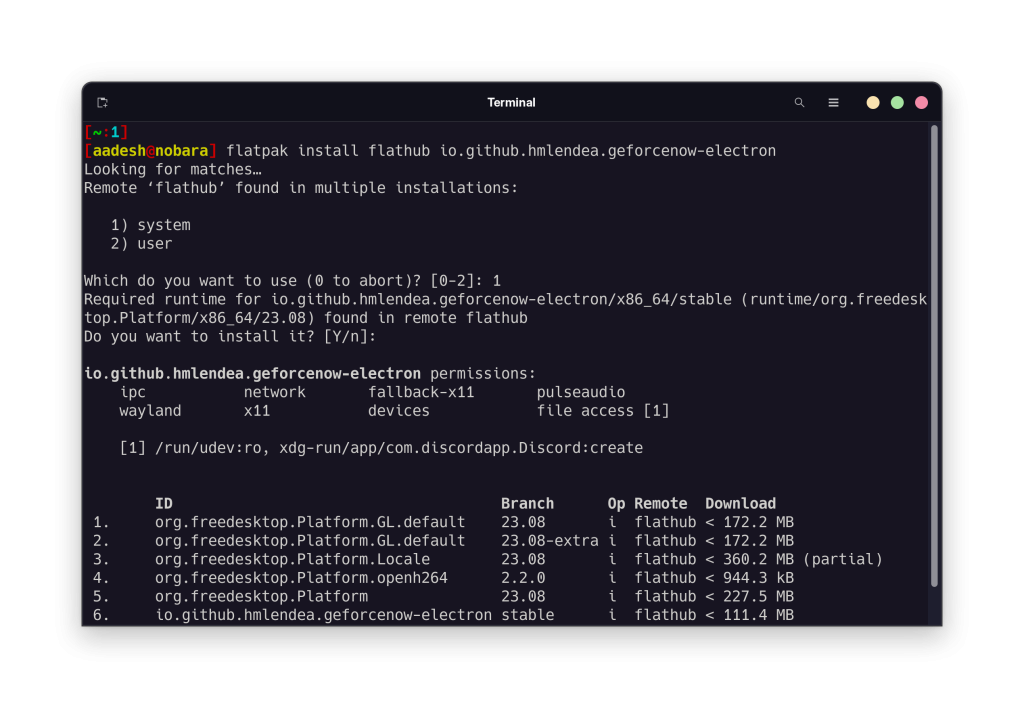
Open a terminal after Flatpak and Flathub are configured, then run the command below to install the Flathub application ID and its required runtime.
flatpak install flathub io.github.hmlendea.geforcenow-electron
Flatpak may ask whether to install for your user or for the whole system. Pick the scope that matches who should launch the app, approve the dependencies, then wait for the transaction to finish before closing the terminal.
Launch the client and sign in
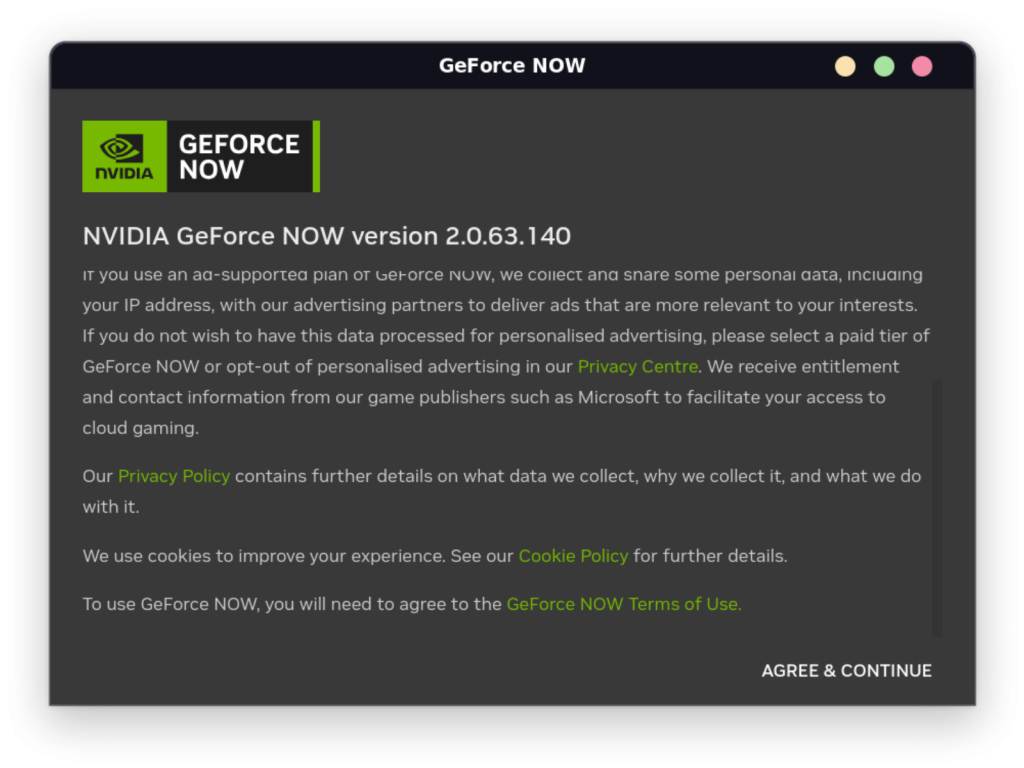
Find GeForce NOW Electron in your desktop environment’s application menu and open it. On first launch, accept NVIDIA’s terms in the service window and sign in with the GeForce NOW account that holds your membership.
The client opens the GeForce NOW web experience in a desktop shell, so confirm that you can sign in, see your library, and begin a supported game session.
Install it through a graphical software store
GNOME Software, KDE Discover, and other desktop stores can expose Flathub applications after their Flatpak integration is enabled. Search for GeForce NOW Electron, confirm that the app ID is io.github.hmlendea.geforcenow-electron, then use the store’s Install button.
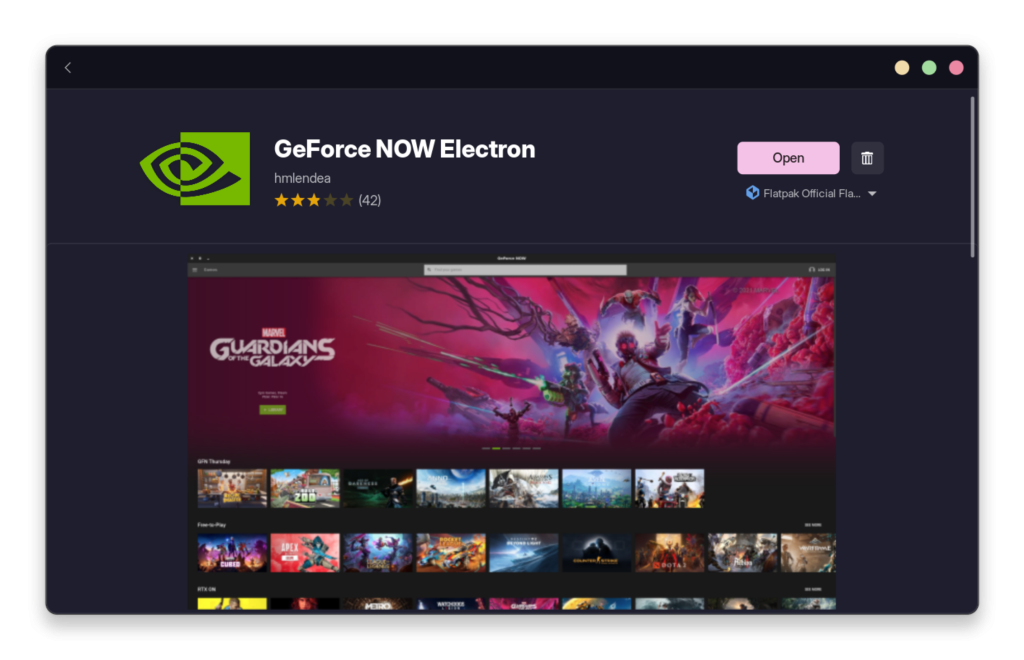
The store path changes the interface, not the package you receive. If the result has a different publisher or app ID, return to the Flathub listing instead of installing an unrelated package with a similar name.
Use it on a Steam Deck or gaming desktop
SteamOS keeps the base system separate from desktop applications, so add the client in Desktop Mode, finish sign-in, then decide whether to expose it through Steam for Gaming Mode.
For another desktop-streaming route, compare this client with Moonlight on Linux through Flatpak. Moonlight connects to a host you control, while GeForce NOW Electron connects to NVIDIA’s cloud service.
If you are preparing a Steam Deck beyond this one app, the Steam Deck Gaming Mode guide and the Decky Loader setup guide cover two separate parts of the device experience. Keep the client install focused on sign-in and streaming before adding interface customizations.
Fix the common setup checks
If the install command says that Flatpak is unavailable, install Flatpak and add Flathub for your distribution, then rerun the command with the Flathub application ID.
If the app opens but a controller does not behave as expected, test the controller at the Linux level before changing cloud-gaming settings. The Steam gaming controller guide helps you separate device detection from an in-game mapping issue.
If a title is unavailable in your GeForce NOW library, that is a service catalog or account question rather than an Electron installation failure. For local Steam compatibility work, ProtonPlus on Linux manages compatibility tools for games you run on your own Linux installation.
Keep the client updated
Update the application through your software store or Flatpak, then check the project page when a release changes Wayland behavior, Steam Deck support, or Discord rich presence.
Open one supported game after an update and verify video, audio, input, and network quality before you rely on it for a longer session. That short check isolates a client update from a membership, network, or game-catalog problem.
Is GeForce NOW Electron an official NVIDIA app?
No. GeForce NOW Electron is a community-maintained Linux desktop client. NVIDIA provides the GeForce NOW service and also lists a Linux download on its own site.
What is the Flatpak app ID for GeForce NOW Electron?
The Flathub app ID is io.github.hmlendea.geforcenow-electron. Use that identifier to confirm you are installing the intended application.
Can I use GeForce NOW Electron on Steam Deck?
Yes, the project lists Steam Deck integration. Install it through Flatpak in Desktop Mode, sign in, then decide whether to add it to Steam for Gaming Mode.
Install from the Flathub app ID, sign in, then test one supported game with your usual controller and network to locate any remaining client, device, or service issue.